
Liminal Strata is becoming more expressive, both in how players create their characters and how they interact with the world.
Creating your Stray.
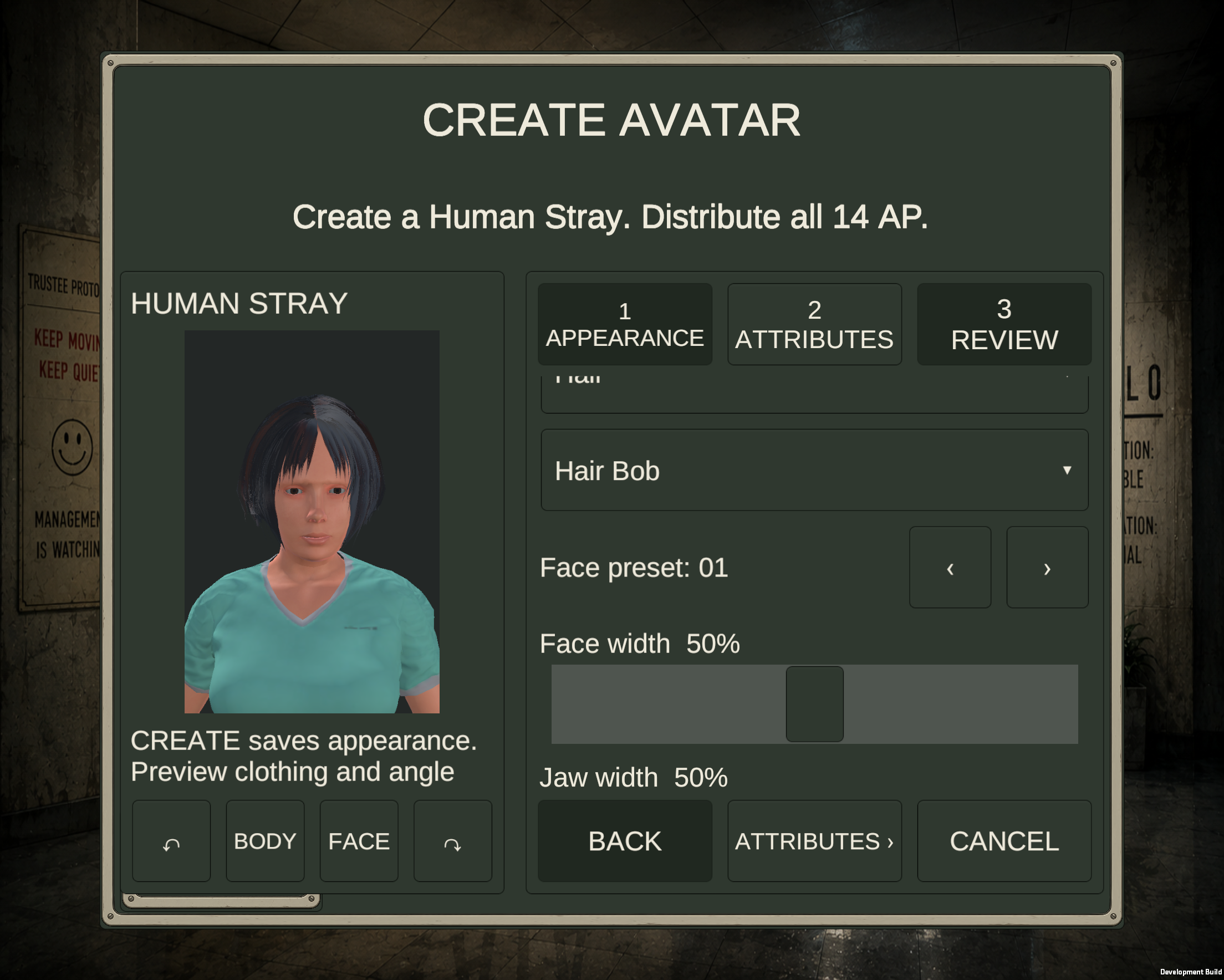
The expanded Create Avatar screen uses Unity Multipurpose Avatar (UMA), offering a wider selection of hair, colors, and compatible clothing previews. Character appearance and clothing fit have now received manual playtest approval.
A closer look at what you carry.
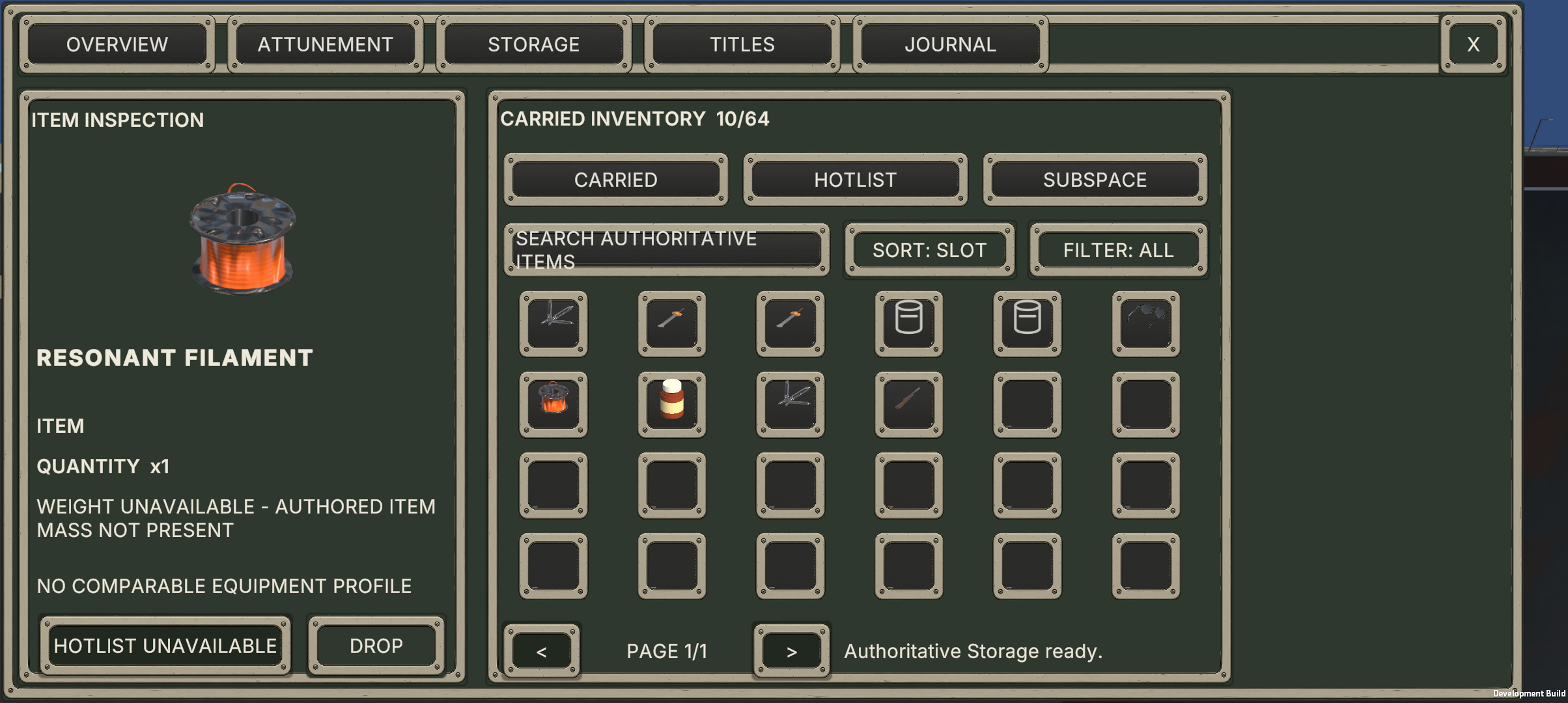
Items have also gained more presence. Storage and Attunement display model-based thumbnails, while the Inspection window lets players rotate a 3D view of the selected item. The Hotlist uses those same thumbnails with visible quantities, making carried supplies easier to recognize.
Institutional instruments.
These features sit within the new Institutional Instruments HUD, which offers four selectable color tones inspired by the game's worn institutional setting.
Ten characters, one shared world.
Multiplayer development has reached another milestone: ten characters—two on physical Android devices and eight simulated players—completed a one-hour local session without an unexpected disconnect or reconnect. Recent backend improvements also substantially reduced routine session-status traffic.
The next phase brings these improvements together with newly authored Level details and Trustee Recreation Facility content for further hands-on exploration.